Mistfall Hunter PC troubleshooting
Mistfall Hunter Fatal Error: 8 Safe Checks for Launch Crashes
Short answer: a “Fatal Error” window is a symptom, not a diagnosis. Start with the exact failure point, verify the Steam installation, let a first shader build finish, and change one setting at a time. The official November 4 maintenance notice discusses server routing and a required client update; it does not identify a universal PC fatal-error fix.
Official Steam listing and news checked November 8, 2026

A Mistfall Hunter fatal error can happen at more than one stage: before the game window appears, while files or shaders load, or after you reach the menu. Those cases do not point to the same cause. The safest first move is to note the full message, the last screen you saw, and whether the failure began after a game update. Then try low-risk checks in order and change only one thing at a time. Steam identifies the game as Mistfall Hunter, App ID 3282300, with a July 29, 2026 release date. Its November 4, 2026 maintenance notice discusses server-side preparation, routing, and a client update after maintenance; it does not confirm one fix for every Windows launch crash. This guide separates verifiable platform guidance from practical checks, so a suggested step is not mistaken for a publisher-confirmed cause.
Official Steam listing and news checked November 8, 2026
Question
| Question | Verified evidence | What it means |
|---|---|---|
| Which game is covered? | Steam lists Mistfall Hunter (App ID 3282300), released July 29, 2026. | These checks are for the PC / Steam launch path, not Xbox or PlayStation settings. |
| What did the latest checked notice say? | The official Steam notice dated November 4, 2026 describes maintenance, Season 2 preparation, network routing, and a client update after maintenance. | Check the platform for a pending update; the notice is not a confirmed fatal-error repair. |
| Is one universal cause confirmed? | No cause or universal fix for every PC fatal-error message is identified in the checked official notice. | Capture the complete message and where it appears before changing files or drivers. |
| When should you stop troubleshooting? | When the same crash persists after reversible checks or the error points to hardware / system files. | Keep logs and report reproducible details through a current official support channel. |
What does a Mistfall Hunter fatal error mean?
The words “fatal error” tell you that a process stopped; by themselves they do not identify whether the trigger was damaged game data, a driver, an overlay, a resource limit, a shader task, or another system component. A number such as 0x4 is not enough to infer the cause unless the exact message and context are documented by the game developer. Avoid treating a generic code, forum guess, or a search snippet as an official diagnosis.
First record the complete text, whether the window names an application or module, and the point in the launch sequence: before the publisher logo, during a loading screen, at shader compilation, or after entering the menu. Note the date, time, recent game update, driver change, and whether a restart changes the result. That short timeline helps you compare repeated crashes instead of mixing unrelated symptoms.
The distinctions below are practical triage, not a promise that each symptom has one matching fix. If the message includes a Windows module, graphics driver, or missing runtime name, preserve it exactly; do not replace it with a shortened label such as “game broken.”
- Keep the full error text and any visible code.
- Write down the last screen or action before the crash.
- Note recent updates or configuration changes without changing several more settings.
Mistfall Hunter crashing on launch: identify the failure point
A crash before the game window appears is different from a crash that follows shader compilation or a disconnect after the menu loads. Begin with the row that best describes what you can actually see. If the symptoms do not fit, keep the note and avoid forcing them into a known-error category.
A responsive game that loses its connection may have a network or service problem; a process that closes with a fatal-error dialog is a client-side failure to investigate. Both can happen around a maintenance window, so check the dated official notice but do not assume server maintenance explains a local crash.
| Observed symptom | First safe check | Do not assume |
|---|---|---|
| No game window or immediate close | Restart Steam and the PC, then verify the installation files. | That a generic 0x4 code identifies one confirmed fix. |
| Crash while shaders are building | Allow the first pass time to finish; note whether it always stops at the same point. | That a slow first compile is automatically a broken install. |
| Menu opens, then connection fails | Check Steam news and current server / network status. | That a network notice repairs a local fatal-error dialog. |
| Only one PC crashes | Compare its game build, graphics driver, overlays, and free memory with a working PC. | That another player's settings are safe for your hardware. |
| Only Xbox or PlayStation fails | Use that platform's own store and support path. | That Steam file checks or Windows driver steps apply to a console. |
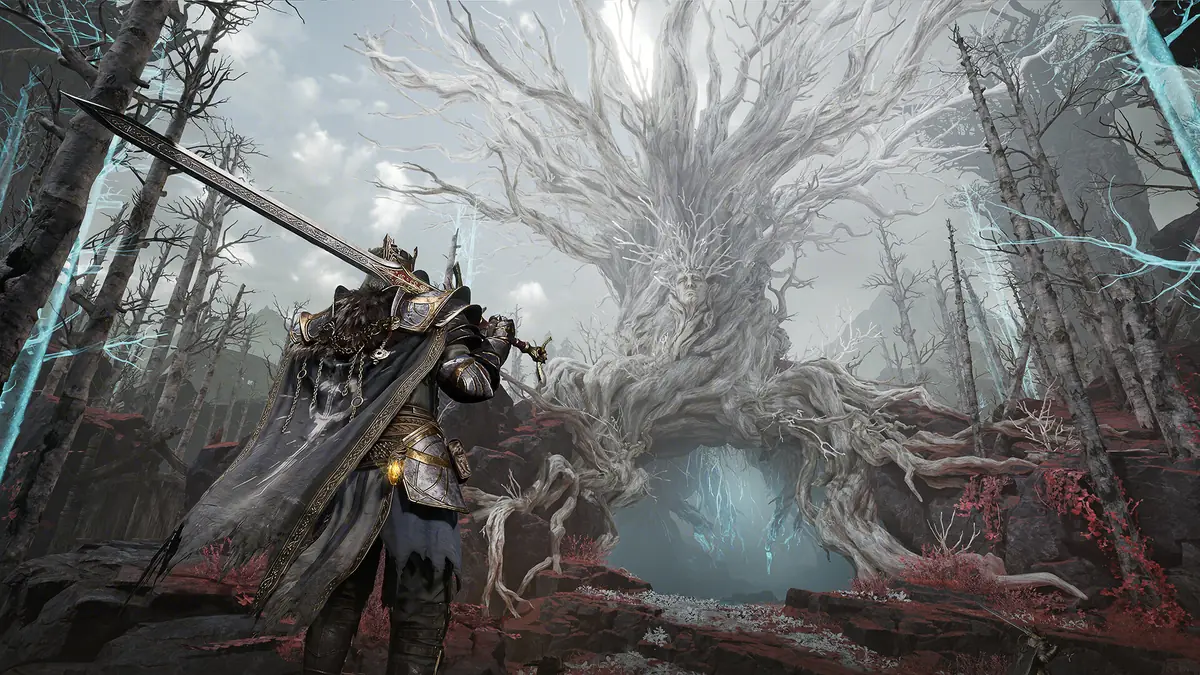
Eight safe checks for a Mistfall Hunter launch crash
Use this order because the early checks are reversible and preserve useful evidence. Restarting or verifying files should not require unofficial tools or edits to system folders. After each step, launch once and record whether the symptom changed; this makes it possible to stop as soon as the cause is narrowed.
Steam's built-in file verification compares the local installation with the platform's current files and can repair missing or damaged data. It does not prove that the game has no software defect, and it cannot diagnose a graphics or hardware problem. Let the check complete before trying another change.
If the crash began immediately after a patch, wait until Steam finishes downloading, then restart the client. A stuck or partially applied update is a useful hypothesis to rule out, not a confirmed diagnosis. Do not interrupt an update or replace files from a mirror site.
- Save the exact message and note where launch stopped.
- Check Steam Downloads for a pending Mistfall Hunter update and let it finish.
- Exit Steam normally, restart the computer, and launch from the Steam Library.
- Use Steam's built-in Verify integrity of game files action for the installed game.
- Close optional overlays or monitoring tools for one test, then re-enable them one at a time.
- Check Windows and the graphics driver through their official update channels; restart after a driver change.
- If the crash occurs during shader compilation, allow one uninterrupted attempt and record its duration and stage.
- If it still fails, preserve the error and Windows Application log details and contact the game's current official support channel.
Mistfall Hunter shader crash: compilation, GPU drivers, and repeated crashes
For a Mistfall Hunter shader crash, first separate a true failure from an ordinary slow load. If the game shows progress and the computer remains responsive, allow a first post-update compilation attempt to finish before force-closing it. A repeated stop at the same point is useful evidence; repeated hard shutdowns can erase that pattern and may interrupt file work.
For a graphics-driver test, use Windows Update or the driver maker's official support site for your exact GPU. Avoid third-party “driver updater” utilities, bundled downloads, and driver rollback advice that does not name the hardware and current driver. If a driver update makes the problem worse, note its version and use the vendor's documented recovery option rather than deleting random files.
For one controlled test, temporarily turn off an optional overlay, capture tool, overclock, or mod that changes the game process, then restore each setting separately. This is a way to isolate interference, not evidence that any particular overlay or mod is responsible. Keep the machine at default clock settings while comparing results.
- One test per change, followed by a normal restart.
- Use only the hardware vendor or Windows update path for drivers.
- Do not clear shader or configuration folders unless official instructions identify the exact folder and back-up method.
Is the Mistfall Hunter error a game crash or a network issue?
Use the visible failure, not just the timing, to separate the two. If the client closes and Windows shows a fatal-error dialog, collect client and system evidence. If the menu remains open but matchmaking or an online session fails, check the current Steam announcement and connection status before changing local game files.
The official November 4, 2026 Steam notice says maintenance was scheduled, matching was disabled before it, and the game client needed an update afterward. It describes Season 2 preparation and an AWS Global Accelerator change intended to reduce routing detours, latency, jitter, and packet loss. Those are server/network details; the announcement does not identify a fix for an unrelated PC startup Fatal Error. Check the live post for later changes because maintenance timing and service status can change.
If a launch error appears only while joining a session, compare an offline menu launch with the online attempt when the game permits it. Do not repeatedly reinstall the game to solve a server-side queue or routing interruption. Conversely, waiting for servers cannot repair a crash that closes the local process before you reach the menu.
What evidence should you keep before contacting support?
Keep a concise report: Windows version, CPU and GPU model, installed graphics-driver version, available memory, Steam App ID 3282300, the exact game message, local time, last successful screen, and what changed recently. List only the checks you actually completed and the result of each. This is more useful than a long list of speculative fixes.
Windows Event Viewer can provide an Application log entry near the crash time. Record the event name, faulting application or module, and timestamp if present; an event entry is a clue, not proof that the named module is the root cause. Avoid posting a full system log, account details, email address, machine serial number, or unrelated private information in a public forum.
The available official material checked for this guide confirms the Steam listing and the November 4 maintenance post, but it does not publish a universal crash-code map. If the same error remains after file verification and a clean restart, send the minimal reproducible report through a current official support route and include the complete message rather than claiming a fix worked when it did not.
- Exact error text and code, copied without editing.
- A short launch timeline and the time of each attempt.
- PC components, driver version, game update state, and reversible checks tried.
- A redacted event entry or crash report only when the official support route requests it.
Fixes to avoid when Mistfall Hunter keeps crashing
Do not download replacement executables, DLL files, “fatal error fixers,” or unofficial repacks. Do not disable antivirus or Windows security as a blanket step, and do not delete folders until an official instruction names them and explains how to restore them. These actions add risk while making the original failure harder to reproduce.
Be cautious with copied launch parameters, registry edits, page-file changes, and instructions to remove shader caches. A setting that helped another PC may hide the failure or prevent the client from starting on yours. Before any official file-level repair, close the game and keep a copy of user-created configuration if the support instructions say it may be affected.
Stop when symptoms suggest failing storage, overheating, memory errors, or other system instability. More game reinstalls are not a safe hardware test. Keep the machine stable and use the computer or component manufacturer's support guidance for those symptoms.
Mistfall Hunter fatal error FAQ
How do I fix a Mistfall Hunter fatal error on startup?
There is no universal fix confirmed in the official notice checked for this guide. Record the exact message, finish any Steam update, restart normally, verify the Steam files, and test one optional overlay or driver change at a time.
Does Mistfall Hunter error 0x4 have one confirmed meaning?
No official mapping for error 0x4 was found in the checked Steam listing or November 4 notice. Keep the complete message and surrounding log entry; do not run a code-specific command from an unverified video.
Why does Mistfall Hunter keep crashing during shaders?
The code and official notice do not establish a single cause. Let one shader-build attempt finish if the PC remains responsive, then record whether each attempt stops at the same point before changing a driver or file.
Can verifying Steam game files fix the crash?
It can replace missing or damaged local game files, so it is a sensible early check. It does not repair every driver, system, or game-code problem and is not a guarantee.
Does the November 4 server notice fix a PC Fatal Error?
The notice describes maintenance, network routing, and a client update after maintenance. It does not claim to fix a Windows startup fatal error; check it for service or matchmaking symptoms only.
Do these PC checks apply to the Xbox version?
No. Steam file verification and Windows graphics-driver steps are for a PC launch path. For an Xbox or PlayStation failure, use the console store and that platform's official support instructions.
A reliable next step
Treat the error text as evidence, not a cause. Start with a finished Steam update, a normal restart, and file verification; then isolate shaders, drivers, and optional overlays one at a time. The November 4 notice is useful for server and connection status, not a blanket Fatal Error fix. If the crash remains, preserve a short, redacted report and use an official support route.
Official sources checked
Official game and platform sources checked November 8, 2026. The dated maintenance note describes network service changes; it is not cited as proof of a client-crash repair.